
In today’s digital-first world, having a personal website has transformed from a creative professional’s luxury to an essential tool for anyone looking to establish their professional identity online. As iWEBAPP | Web Design Agency Ottawa & Digital Marketing Company Toronto consistently reminds our clients, your online presence is often your first impression in the professional world. Whether you’re a photographer capturing life’s precious moments, a writer crafting compelling narratives, or a business professional aiming to stand out in the job market, a personal website serves as your digital business card—available 24/7 to showcase your skills, experience, and unique personality.
Why You Should Consider Having a Personal Website in 2025
Remember when personal websites were exclusively for designers and artists? Those days are long gone. Today, professionals across all industries are leveraging personal websites to enhance their career prospects and build their personal brand.
Think of your personal website as your sophisticated digital resume that speaks volumes about your professionalism before you even walk through an employer’s door. Unlike traditional resumes that often get lost in the shuffle, your website remains accessible anytime, anywhere—ready to impress potential employers, clients, or collaborators at a moment’s notice.
“Your personal website isn’t just a digital resume—it’s your professional legacy in the online world,” explains Sarah Thompson, a career development specialist at CareerEdge Canada. “In 2025, professionals without a personal online presence are essentially invisible to many opportunities.”
The Compelling Benefits of Having Your Own Website
Before diving into the technicalities of creating your website, let’s explore why having one can be a game-changer for your professional life:
A Comprehensive Professional Portfolio
Imagine this scenario: you’re applying for your dream job, and the hiring manager requests examples of your previous work. Instead of frantically searching through files and sending multiple attachments, you simply share your website link—where all your best work is beautifully organized and ready to impress.
Your personal website serves as more than just a portfolio; it’s a testament to your digital literacy—a quality increasingly valued in today’s job market. It demonstrates that you’re adaptable, forward-thinking, and capable of navigating the digital landscape with ease.
24/7 Accessibility
Unlike traditional networking which happens during specific events or working hours, your website works around the clock. Potential employers or clients can review your work at 3 PM or 3 AM—whenever they’re making decisions about their next hire or project partnership.
The convenience of having all your information centralized in one location cannot be overstated. No more sending updated resumes or portfolios; simply update your website, and everyone has access to your latest accomplishments.
Mobile-Friendly Professional Presence
With a responsive design, your website adapts seamlessly to any device—ensuring that your professional information is accessible whether someone’s checking you out on their desktop at the office or scrolling through their smartphone during their commute.
According to recent statistics, over 60% of website visits in Canada come from mobile devices. A mobile-responsive personal website ensures you’re not missing out on opportunities due to technical limitations.
Creative Expression of Your Personal Brand
Your website is more than information—it’s an expression of who you are professionally. The colors you choose, the layout you design, the content you prioritize—all these elements communicate your personal brand to visitors before they even read your bio.
This creative freedom allows you to stand out in ways that standardized platforms like LinkedIn simply can’t match. You control the narrative of your professional story completely.

Essential Elements to Include on Your Personal Website
Before jumping into WordPress or another platform, take time to clarify your website’s purpose. Ask yourself: “Why do I want a personal website?” Your answer will guide what elements to prioritize.
For most professionals, these core components form the foundation of an effective personal website:
An Engaging Homepage
Your homepage is digital real estate that makes the critical first impression. It should immediately communicate who you are and what you do, with clear navigation to other sections of your site.
The best homepages blend visual appeal with functional design, guiding visitors naturally to the information they’re seeking. Consider including a professional headshot, a concise headline describing your expertise, and a clear call-to-action for visitors—whether that’s viewing your portfolio, reading your blog, or contacting you directly.
A Compelling “About Me” Page
This is where visitors truly get to know you—both professionally and personally. Share your career journey, highlighting key milestones and experiences that have shaped your professional identity.
Don’t be afraid to inject some personality here. Mention your passion projects, volunteer work, or interesting hobbies that make you more relatable. Studies show that personal connection often influences professional decisions, so balancing professional accomplishments with authentic personal details creates a more memorable impression.
A Showcase Portfolio
Your portfolio section should feature your best work prominently, organized in a way that’s easy to navigate. Whether you’re displaying written content, design projects, coding samples, or case studies of business successes, quality trumps quantity.
For each portfolio piece, provide context about the project: what was the objective, what was your role, what challenges did you overcome, and what results were achieved? This narrative adds significant value beyond simply displaying the final product.
A Professional Blog
Maintaining a blog on your personal website serves multiple purposes: it demonstrates your expertise, improves your site’s SEO, and provides fresh content for visitors returning to your site.
Focus your blog content on topics relevant to your industry or expertise. This positions you as a thought leader and creates additional pathways for people to discover your website through search engines.
“A regularly updated blog can increase traffic to your personal website by up to 55%,” notes Michael Chen, a digital marketing specialist from Toronto. “It’s not just about attracting visitors—it’s about demonstrating current, relevant knowledge in your field.”
Turn your website into a search-driven growth engine
Boost Your Rankings with AI-Powered Semantic SEO
Take the next step toward higher visibility and stronger conversions.
A Clear Contact Section
Make it effortless for opportunities to reach you. Your contact page should offer multiple channels for communication based on your preferences—email, phone, contact form, or social media profiles.
Consider the impression your contact information makes. A professional email address (yourname@yourdomain.com rather than hotdude85@gmail.com) reinforces your personal brand’s credibility.
Creating Your Personal Website: A Step-by-Step Approach
Now that you understand the essential elements, let’s explore how to bring your personal website to life:
1. Choose the Right Platform
WordPress remains one of the most versatile platforms for creating personal websites, offering numerous themes and plugins to customize your site. Learn more about WordPress’s capabilities for personal websites. However, other options like Wix, Squarespace, or even custom HTML/CSS solutions might better suit your specific needs and technical comfort level.
When selecting a platform, consider factors like ease of use, customization options, mobile responsiveness, and scalability as your professional needs evolve.
2. Secure Reliable Hosting
Your hosting service determines your website’s reliability, speed, and security—all crucial factors for maintaining a professional online presence. Canadian hosting providers like HostPapa offer specialized services optimized for local websites.
Most hosting plans range from $5 to $30 monthly, depending on your needs. While budget considerations are important, remember that extremely cheap hosting often comes with hidden limitations that could affect your website’s performance.
3. Select a Professional Domain Name
Your domain name is your digital address—ideally, it should be your name (e.g., johnsmith.ca or janesmith.com). This creates consistency across your professional presence and makes your site easily discoverable for people looking specifically for you.
If your exact name isn’t available, consider variations like adding your middle initial, your profession (johnsmithphotography.com), or a different domain extension (.net, .io, .co).
[ad_2]
4. Choose or Create a Responsive Theme
Your website’s theme determines its visual appearance and functionality. Whether using WordPress themes or templates from other platforms, prioritize:
- Mobile responsiveness
- Clean, professional design
- Fast loading times
- Customization options that match your personal brand
Remember that your website’s design should complement, not overshadow, your content. Clean, minimalist designs often work best for professional personal websites.
5. Create Compelling Content
The content of your personal website should be concise, professional, and authentic to who you are. Write in the first person to create a direct connection with visitors, and ensure all text is free from grammatical errors and typos.
For your “About Me” page, tell your professional story in a way that engages readers. Highlight your unique value proposition—what sets you apart from others in your field? Use active voice and concrete examples rather than vague statements about your abilities.
6. Optimize for Search Engines
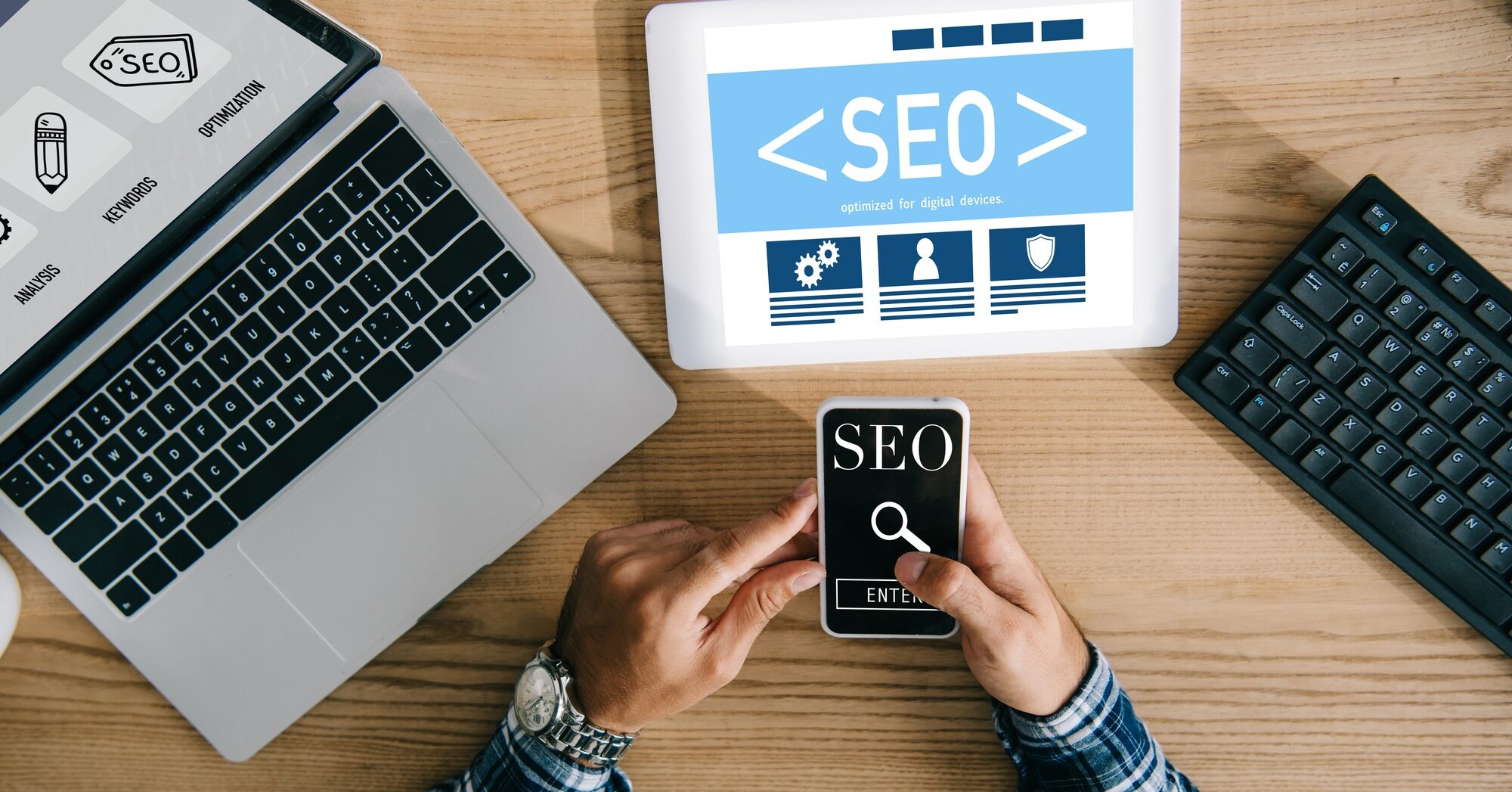
Even personal websites benefit from basic SEO practices. Include relevant keywords naturally in your content, optimize image files with descriptive alt tags, and ensure your site has a logical structure that search engines can easily crawl.
If using WordPress, plugins like RankMath can guide you through optimizing each page for better search visibility.
7. Incorporate Visual Elements
Visual elements—professional photos, videos, infographics, or portfolio images—significantly enhance your website’s appeal. Invest in professional photography for your headshot and consider creating a consistent visual style across all images on your site.
Remember to optimize all visual elements for web use to maintain fast loading times, which is crucial for keeping visitors engaged.
Maintaining and Evolving Your Personal Website
Creating your website is just the beginning—keeping it relevant requires ongoing attention:
Regular Updates
Set a schedule to review and update your website quarterly. Add new portfolio pieces, update your professional information, and ensure all links and contact details remain accurate.
An outdated website can actually harm your professional image more than having no website at all, as it suggests a lack of attention to detail or current inactivity.
Content Refreshes
If you maintain a blog, aim for consistency rather than frequency. One thoughtful, well-crafted post monthly is more valuable than weekly posts of questionable quality.
Use your analytics to understand which content resonates with your visitors, then create more of what works while refining or removing what doesn’t.
Technical Maintenance
Regularly check that your website functions properly across different devices and browsers. Update your platform, themes, and plugins to maintain security and functionality.
Consider periodic professional reviews of your website’s performance, especially if you notice issues with loading times or mobile display.
Taking Your Personal Website to the Next Level
Once you’ve established your basic personal website, consider these advanced strategies:
Integrate Analytics
Tools like Google Analytics provide valuable insights into who visits your website, how they found you, and what content engages them most. This data helps you refine your website strategy over time.
Add Testimonials
Nothing builds credibility like third-party endorsements. Include testimonials from colleagues, clients, or employers who can speak to your professional abilities and character.
Create Lead Magnets
If appropriate for your field, offer valuable downloadable content (guides, templates, checklists) in exchange for visitor email addresses. This builds your professional network and creates opportunities for ongoing communication.
Consider Multilingual Options
In diverse markets like Canada, offering your website content in multiple languages (particularly English and French) can significantly expand your professional reach.
Making Your Personal Website Work for You
Remember that your personal website is an investment in your professional future. It may require initial time and resources to create, but the long-term benefits to your career development and professional networking capabilities are substantial.
Your personal website isn’t just about displaying your work—it’s about controlling your professional narrative in the digital space where first impressions are increasingly formed.
As we navigate an increasingly digital professional landscape, your personal website stands as your always-on ambassador—working tirelessly to represent your best professional self to the world. Isn’t it time you gave yourself this advantage?
Ready to create your personal website? Start by clarifying your purpose, gathering your best work, and exploring platforms that match your technical comfort level. Your future self will thank you for taking this crucial step toward professional distinction in the digital age.
Frequently Asked Questions
We would love the opportunity to work with you, but we understand that you may have some additional questions. This quick Q&A covers a lot of the basics. If you have any additional questions, don’t hesitate to reach out.
How much does it cost to create a personal website in Canada?
Creating a personal website in Canada typically costs between $150-$500 annually, covering domain registration ($15-20/year), hosting services ($60-200/year), and potential theme purchases ($0-100). DIY solutions using website builders may reduce costs, while professional development services start around $1,000 for custom designs.
Do I need coding knowledge to create a personal website?
No, you don’t need coding knowledge to create a personal website. Platforms like WordPress, Wix, and Squarespace offer user-friendly interfaces and templates that allow you to build professional-looking websites without any coding. However, basic HTML/CSS knowledge can be helpful for customizations.
How long does it take to create a personal website?
A basic personal website can be created in 1-2 days using templates and website builders. However, developing content, optimizing for SEO, and perfecting the design typically extends the timeline to 1-2 weeks for a polished result. Custom-designed websites may take 3-4 weeks or longer.
Is WordPress or Wix better for creating a personal website in Canada?
Both platforms have strengths for Canadian users. WordPress offers more customization and growth potential with better SEO capabilities, while Wix provides simpler drag-and-drop functionality for beginners. WordPress is preferred by professionals needing extensive customization, while Wix works well for simpler portfolio sites.
What should I include in my personal website to attract employers?
To attract employers, include a professional summary, detailed work history with accomplishments, downloadable resume, portfolio of projects with measurable results, testimonials from colleagues or clients, relevant certifications, and a blog demonstrating industry knowledge. Ensure your contact information is prominent and include links to professional social profiles.
How often should I update my personal website?
Update your personal website at least quarterly with new portfolio pieces, revised career information, and fresh blog content. After significant career milestones or achievements, make immediate updates. Regular technical maintenance should occur monthly to ensure security and functionality remain optimal.
Can I use a free website builder for my professional personal website?
While free website builders can work for beginners, they often have limitations that impact professional credibility, including forced branding (e.g., “yourname.wixsite.com”), limited functionality, and advertisements. For a truly professional presence, investing in a custom domain and paid hosting is recommended.
What is the difference between a personal website and LinkedIn profile?
A personal website offers complete creative control, unlimited space for portfolio presentation, and ownership of your professional narrative, while LinkedIn provides built-in networking, job opportunities, and industry validation. Ideally, professionals should maintain both, using LinkedIn for networking and your website for comprehensive portfolio presentation.
How do I make my personal website appear in Google searches?
To improve your personal website’s visibility in Google searches, register with Google Search Console, create a sitemap, optimize page titles and descriptions with relevant keywords, produce quality content regularly, build backlinks from reputable sites, ensure mobile responsiveness, and improve page loading speed. Focus on location-specific keywords for Canadian visibility.
What should I avoid on my personal website?
Avoid cluttered designs, excessive personal information, outdated portfolio items, broken links, slow-loading media files, unprofessional email addresses, vague descriptions of skills, spelling/grammar errors, copyright violations in images or content, and inconsistent branding. Also avoid overly complex navigation that makes information difficult to find.